.png)
I want to update my Wellness Nest account email. How can I do that?Updated a month ago
You can change your account email directly in your profile, as long as the new email address is not already registered with another Wellness Nest account.
Follow these steps:
Follow these steps:
Log in to your current Wellness Nest account using your existing email.
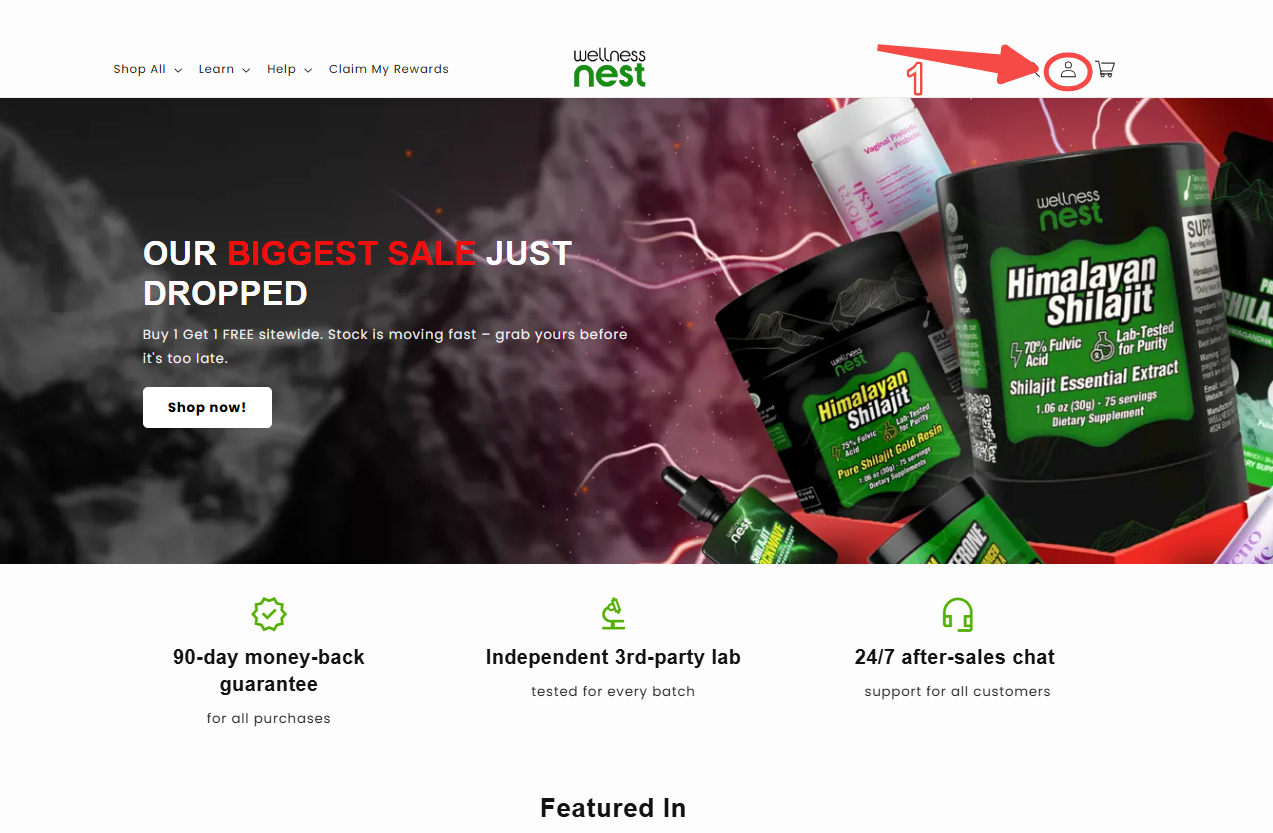
Click the person icon in the top right corner of the website.
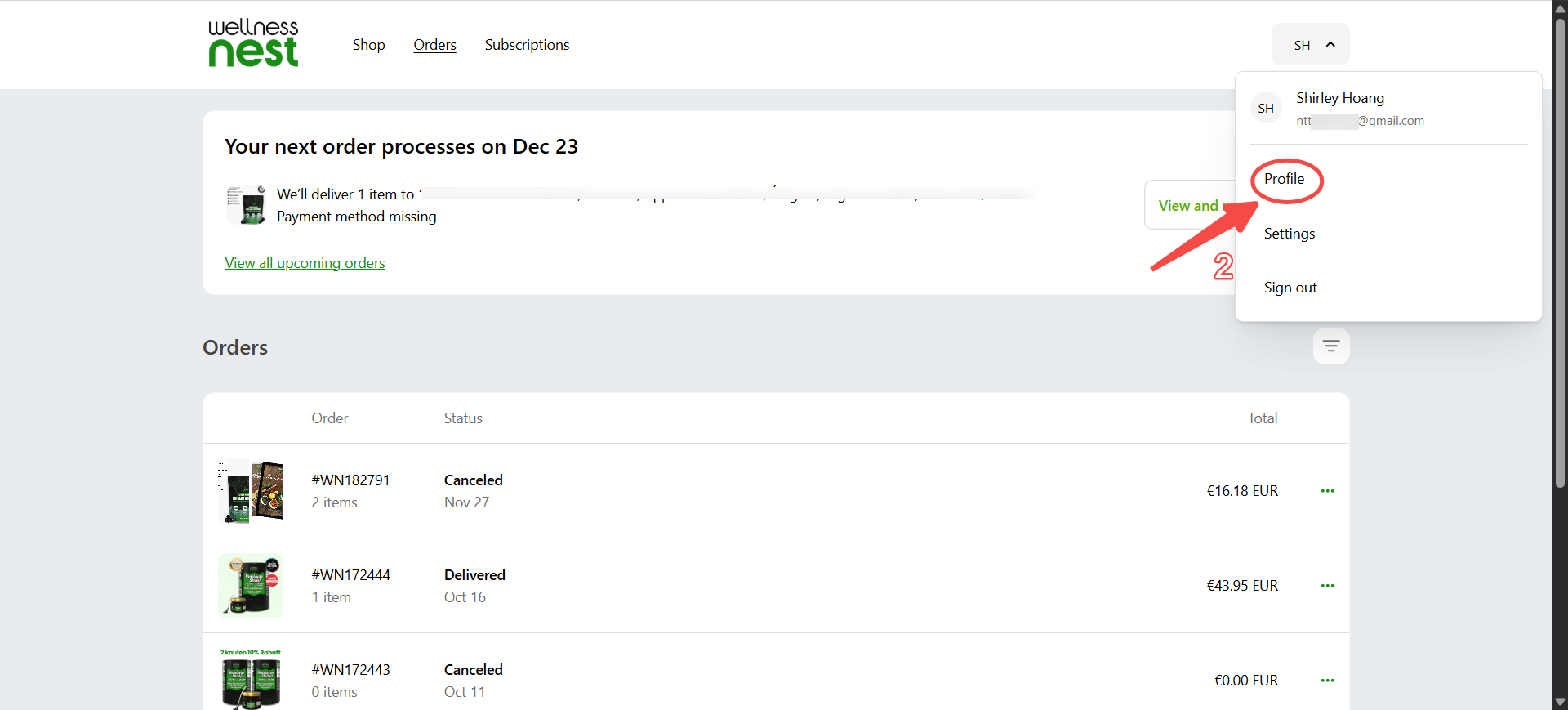
Click on “Account” in the top right area of the page.
Go to your Profile section.
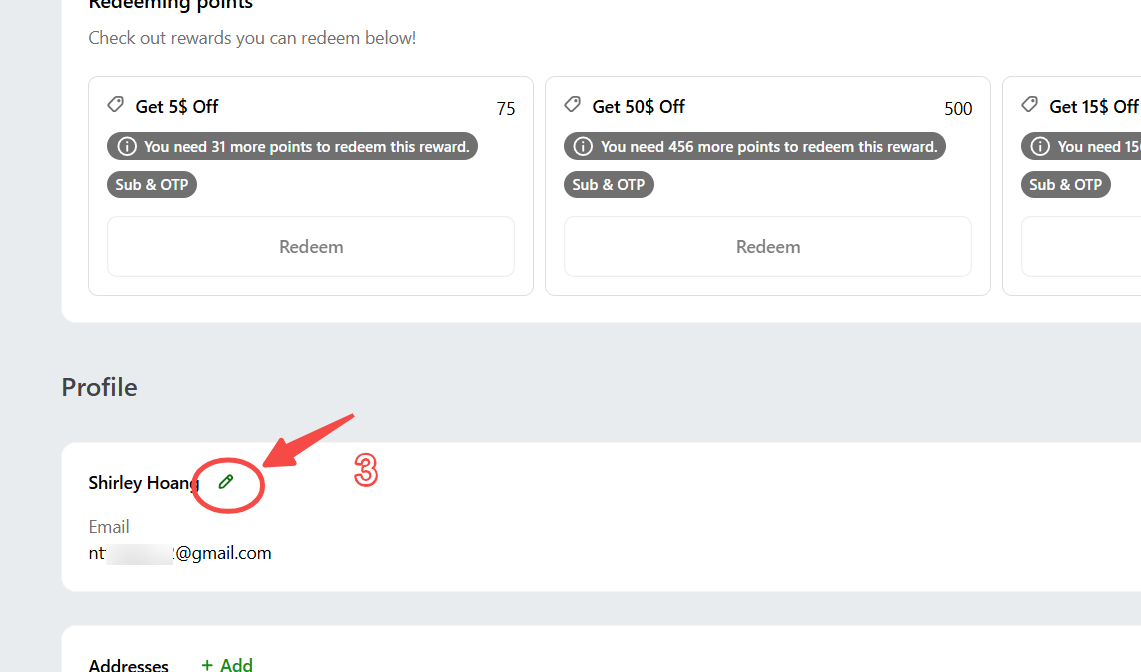
You’ll see a small edit (pencil) icon next to your name and email. Click this icon.
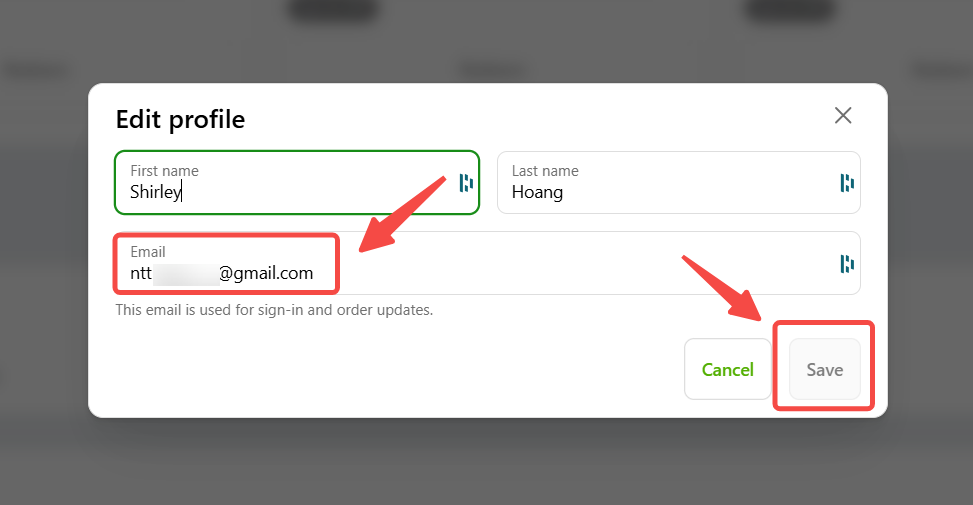
Enter the new email address you want to use and save your changes.