.png)
How do I update or delete a saved payment method on my Wellness Nest account?Updated 2 months ago
You can manage your saved payment methods directly from your account settings. Follow these steps:


Changes made here will apply to future purchases and, where applicable, may also be used for future subscription renewals.
Log in to your Wellness Nest account at https://wellnessnest.co/ using the email you registered with.
Click the person icon in the top-right corner of the page.
Click on your Account in the top-right area.
In the dropdown, select Profile section.
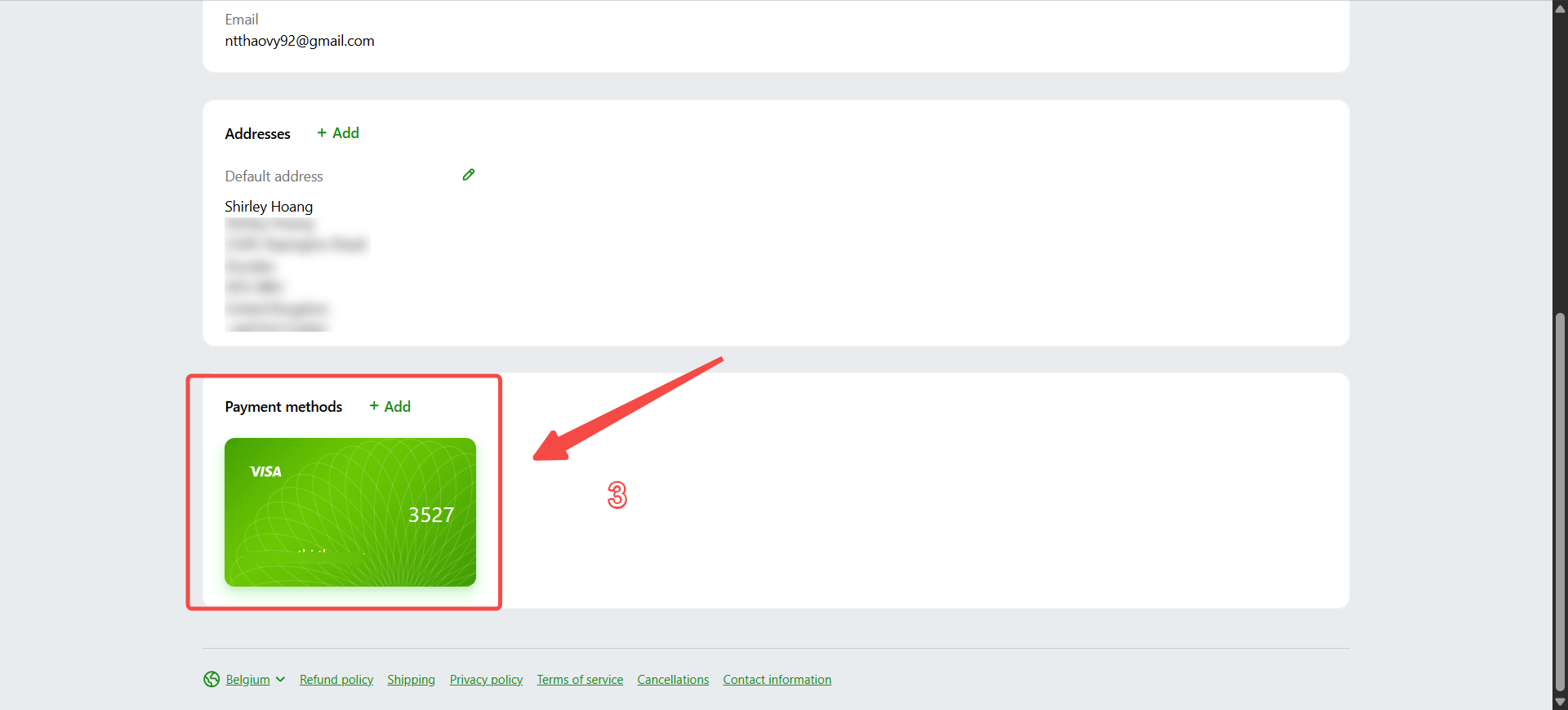
In your profile, look for “Payment methods” and click on it.
You will see a list of your saved payment methods:
Click “Delete” to remove a payment method you no longer want to use, or
Click “Edit” to update the details of an existing payment method.

Changes made here will apply to future purchases and, where applicable, may also be used for future subscription renewals.