.png)
How do I apply promo/discount codes?Updated 2 months ago
There are two ways to use a discount code at checkout:
If you already have a code, enter it in the “Discount code or gift card” field at checkout. Click "Apply" to see your new total before finalizing your order.
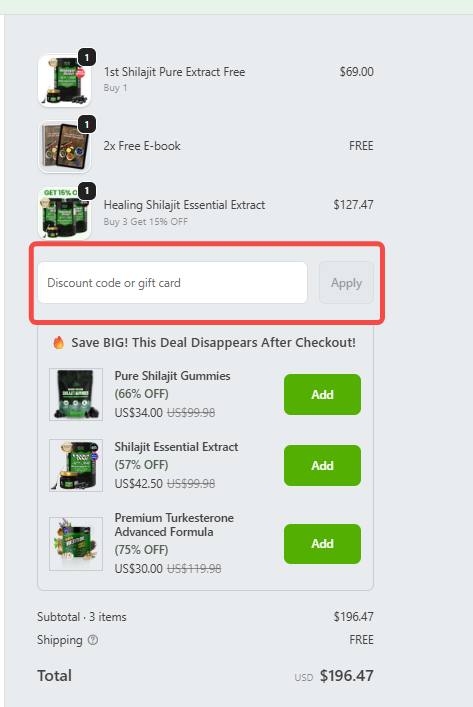
If you received your discount through a special link or QR code, you don’t need to enter anything manually. Just click the link or scan the QR code, and the promo will be automatically applied when you checkout.
Each order can only apply one discount code.
Discount codes cannot be combined with other promotions.
Some discount codes cannot be used on subscription orders, since subscriptions already receive an automatic 10% discount.